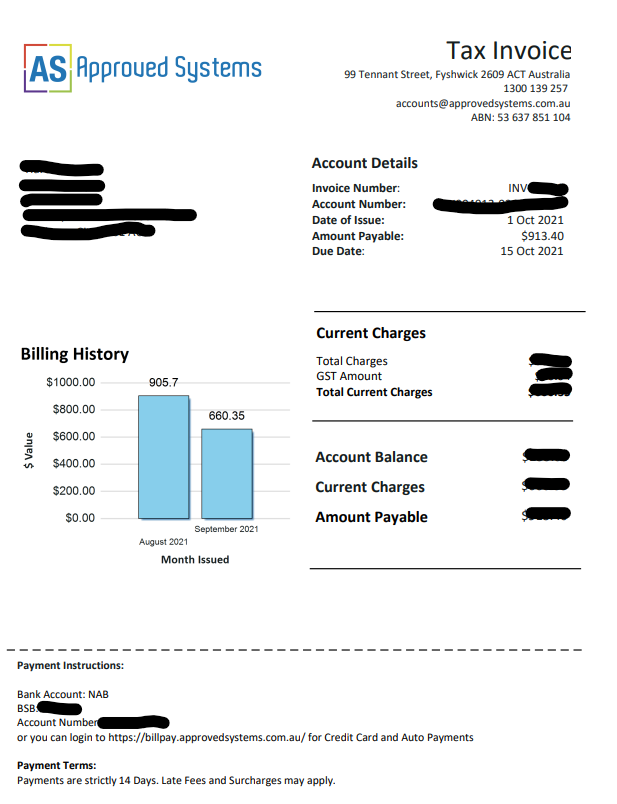
Voice / Broadband Tax Invoices
Making Bill Payments
1. Pay Direct using a Credit Card
Login using the email address where the bill was sent to (or contact us to create an additional login to access your bills
(If your login does not work, please email helpdesk@approvedsystems.com.au)
2. Pay Using Direct Debit
Use the email address where the bill was sent to to match up records
3. Pay using PayPal
Use your Invoice number as reference
4. Pay Manually Online (Card Fees Pay Apply)
4. Other Payment Methods
Check your Tax Invoice email for more information or contact our billing team on 1300 139 257 for more information.